Same interface, different configuration
Beyond housing size, check coding, contact count, gender and mounting. Mating requires full part numbers and drawings, not appearance alone.
Find specifications by product and guidance by task. Bring drawings, mating, termination and validation into one selection process.

LIANYIXIN
Build a verifiable selection checklist around mating, PCB assembly and electrical rating conditions.
Explore relevant productsSpecifications and drawings stay with the product.
Start with interfaces, ratings and assembly.
Specify the model, file type and revision.
Dimensional drawing, PCB layout, wiring range and mating plug/socket information.
Contact arrangement, panel drawing, cable range and assembly instructions.
Outline, key/contact arrangement, termination instructions and mating part number.
Outline, recommended footprint, mating dimensions and FPC/FFC specification.
Housing/contact compatibility, crimp specifications, tooling and wiring drawing.
Interface definition, PCB footprint, outline and model-specific performance data.
Outline, mating parts, cable/termination requirements and derating information.
Component BOM, assembly drawing, housing cutout and selected insert specification.
Harness BOM, wiring drawing, length definition, labels and test checklist.
Beyond housing size, check coding, contact count, gender and mounting. Mating requires full part numbers and drawings, not appearance alone.
Read standards, temperature, wire size and mating state with the number. Do not combine different standards or series ranges into one maximum.
Check outline, panel cutout, PCB footprint, insertion direction and clearance. Match the drawing revision to the ordered model.
List A-pin to B-pin mapping with signal, wire color, shielding and unconnected contacts. Define how cable length is measured.
Provide the part number or catalog product, required PDF / CAD / PCB drawing type, application and revision requirements so we can check the corresponding documentation.
Send a document requestBuild a verifiable selection checklist around mating, PCB assembly and electrical rating conditions.
Products illustrate selection directions; verify suitability, mating and ratings for the specific model.
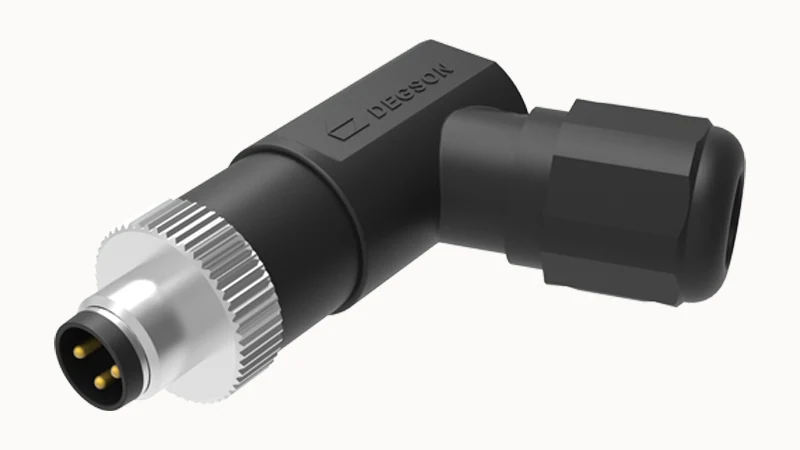
For equipment, sensor and signal links, select circular interfaces by shell size, coding, contact arrangement, termination and environment.
Products illustrate selection directions; verify suitability, mating and ratings for the specific model.
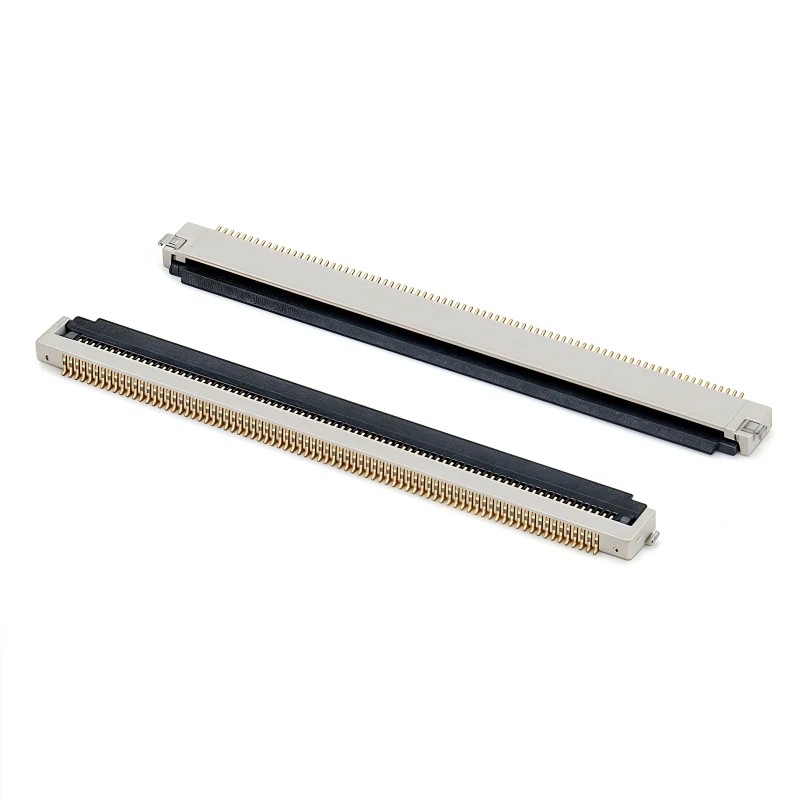
Find board-to-board, header/socket and FPC/FFC interfaces by available space and assembly needs, with attention to pitch, positions, orientation and mating height.
Products illustrate selection directions; verify suitability, mating and ratings for the specific model.
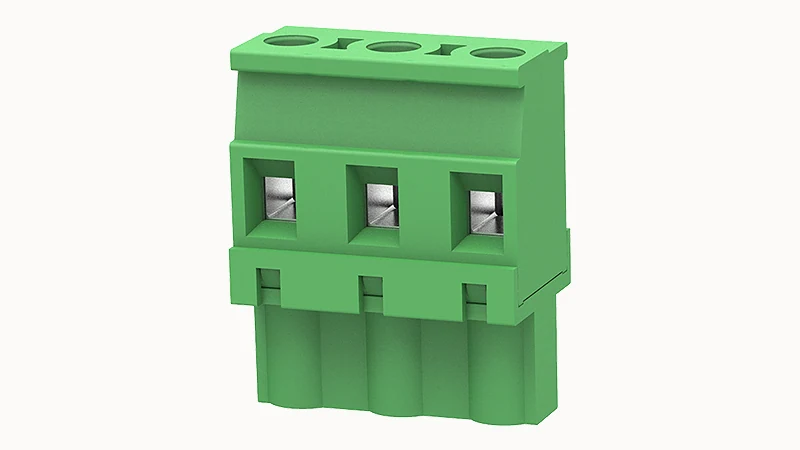
From PCB wiring to control cabinets, start with mounting and termination, then check pitch, positions and electrical ratings under each applicable standard.
Cable-mounted versions require cable diameter, conductor size, cores and shielding. Panel versions need mounting and termination details.
Positions, thickness, contact-side orientation, insertion depth and locking must also be compatible.
Mating geometry, coding, ratings, conductor range and PCB dimensions must also match. Pitch alone is only one geometric condition.
LIANYIXIN
Part numbers or interface photos, mating parts, quantities and delivery targets help us understand your requirements.