
Locking method
Push Pull
 Product image is temporarily unavailable
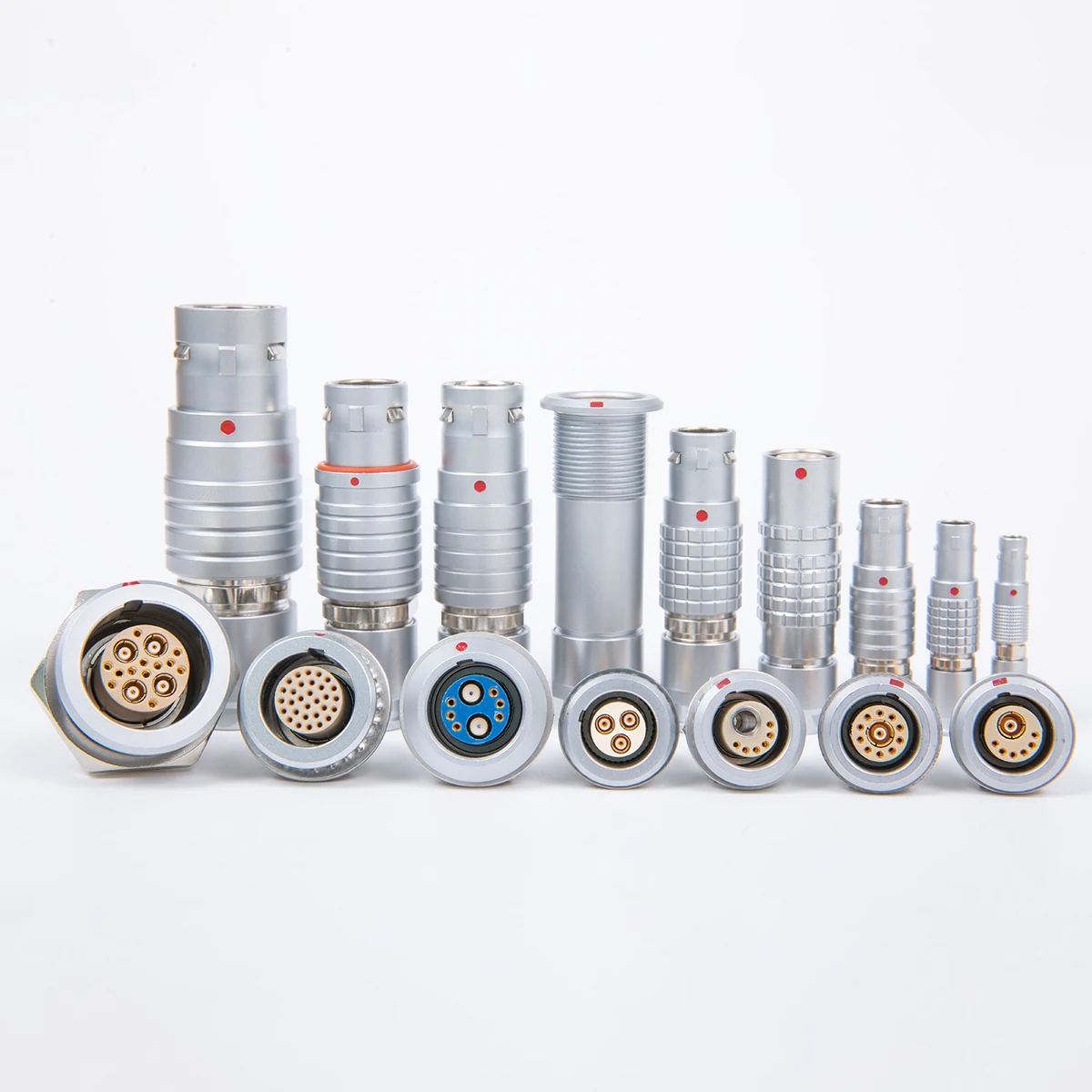
Push-pull connectors
Series specification range: Locking method: Push Pull · Shell material: Brass Chrome Plated
Parameters may cover a series or several configurations. Confirm ratings for the selected contact count, dimensions and termination.
Coaxial RF connector. Coaxial RF connector. Series configuration parameters: Locking method: Push Pull; Shell material: Brass Chrome Plated; Size: 0,1.
Discuss this product requirementPush Pull
Brass Chrome Plated
0,1
1~60 GHz
<1.3
Parameters may cover a series or several configurations. Confirm ratings for the selected contact count, dimensions and termination.
| Locking method | Push Pull |
|---|---|
| Size | 0,1 |
| Frequency | 1~60 GHz |
|---|
| Shell material | Brass Chrome Plated |
|---|---|
| Insulator material | TPFE |
| WVR | <1.3 |
|---|
After selecting the connection configuration, review its dimensions, pin assignment and installation requirements. Include the required configuration in your request.
Request this product drawingLocking method: Push Pull. Check installation clearance and mating geometry for this configuration.
Shell material: Brass Chrome Plated.
Size: 0,1.
Frequency: 1~60 GHz.
Share the model or required specification, quantity and delivery target.
lyxconnector.com